

Loading page content
Loading
Preparing your experience
Please wait while we fetch the latest data and prepare the page for you.
Loading
Preparing your experience
Please wait while we fetch the latest data and prepare the page for you.
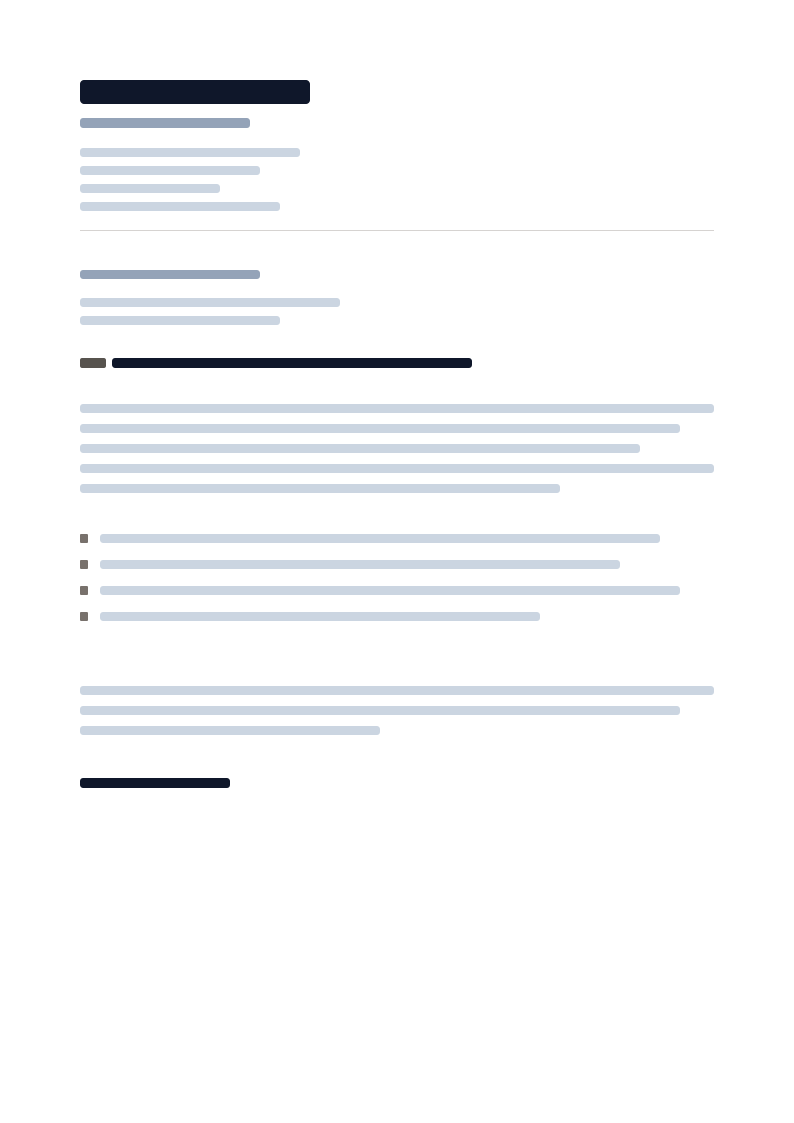
The classic block-letter format taught in business writing: every line left-aligned with no column split anywhere on the page, no shaded blocks, and no decorative rules beyond a single hairline - built to parse correctly in any ATS.
Primary fit
Applications submitted through an unfamiliar or older applicant tracking system.
Full document preview
Rendered from the production template asset
Fit report
ATS Essential strips the letter down to what a parser and a hiring manager both need: name, title, and every contact line stacked left with nothing beside them, a plain 'Re: subject' line, and unadorned paragraphs and hyphenated bullets with no shaded surface anywhere on the page.
Target audience
Applications submitted through an unfamiliar or older applicant tracking system.
Candidates who would rather not gamble any layout choice against a parser.
Pairing with Precision ATS for a resume-and-letter set built for parsing accuracy above all else.
The layout is not just a skin. These choices decide what recruiters see first and how the exported document scans.
Typography
Name, title, and contact lines stacked left with no column split.
Typography
A single plain 'Re: subject' line in place of a separate label and heading.
Typography
Body copy with no color-only cues, so meaning never depends on rendering.
Typography
Plain hyphen bullets instead of a typographic marker or shaded box.
Design direction
ATS Essential strips the letter down to what a parser and a hiring manager both need: name, title, and every contact line stacked left with nothing beside them, a plain 'Re: subject' line, and unadorned paragraphs and hyphenated bullets with no shaded surface anywhere on the page.
The template is designed around the first human scan before decorative detail.
Spacing and hierarchy keep exported pages readable, credible, and easy to compare.
The system balances visual distinction with safe structure for the document type.
Template behavior
Exports from the document editor using production template assets.
Template behavior
Keeps typography and spacing consistent with the selected document family.
Template behavior
Uses editor-ready content regions rather than flat image-only previews.
Name, title, and every contact line run left-aligned in one column, the format most business-writing guides teach and the one least likely to confuse a parser that reads top to bottom.
Paragraphs and highlights run as plain text with hyphen markers only.
The design stays printable and maximally parseable across PDF export and browser preview.